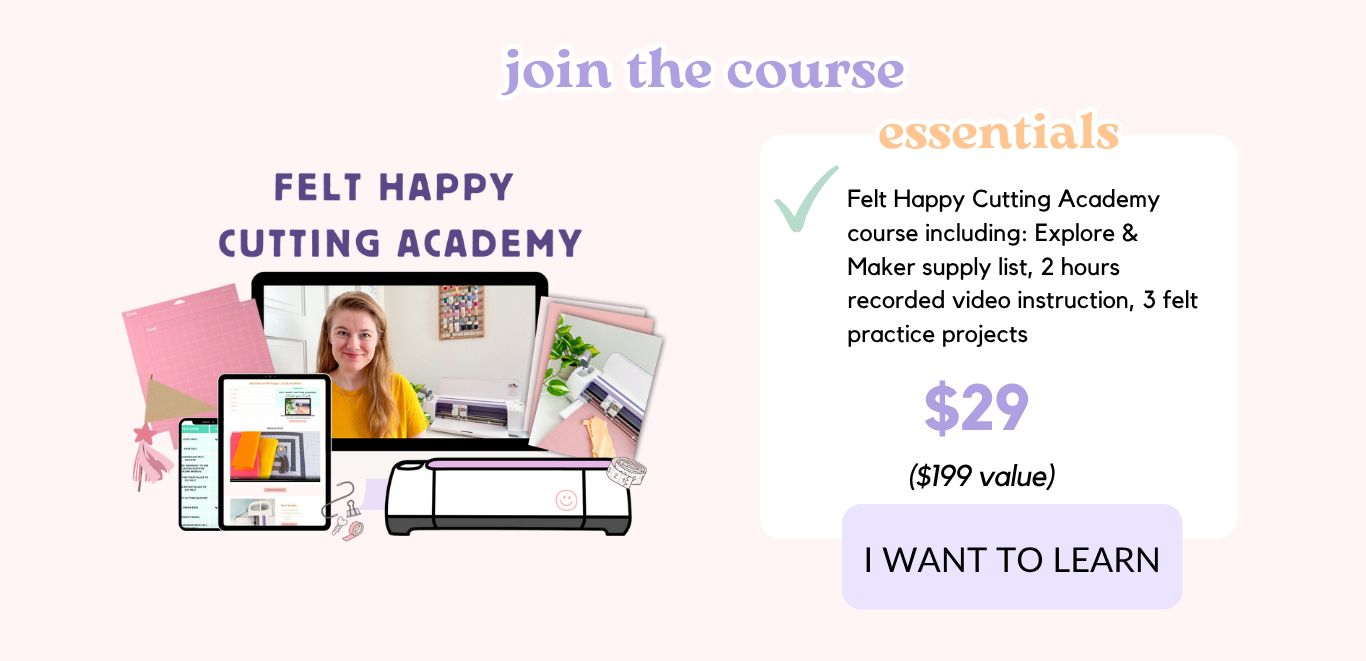
Felt Happy Cutting Academy

Perfect for complete beginners and small business owners.

Learn to Cricut with Felt Now!

"Felt Happy Cutting Academy has made my Cricut dreams come true. I literally unboxed my Cricut for the first time--today I finished turning my daughter's drawing into her own stuffie!" - Chelsea

Cricut & Felt Fundamentals

- Meet me, Alexis, your Instructor

- The supplies you need and don't

- Felt 101: types & best places to buy

- Blade Setup (Explore & Maker)

- Fabric Bonding Tutorial (Explore)

- Mat setup

Ready, Set, Learn!

- Mastering Design Space (the biggest beast to learn)

- Understand Cricut Access

- Discover Material Settings & Create Custom Settings

- Complete 1st Practice Project: Felt State

Build Confidence with Practice Projects

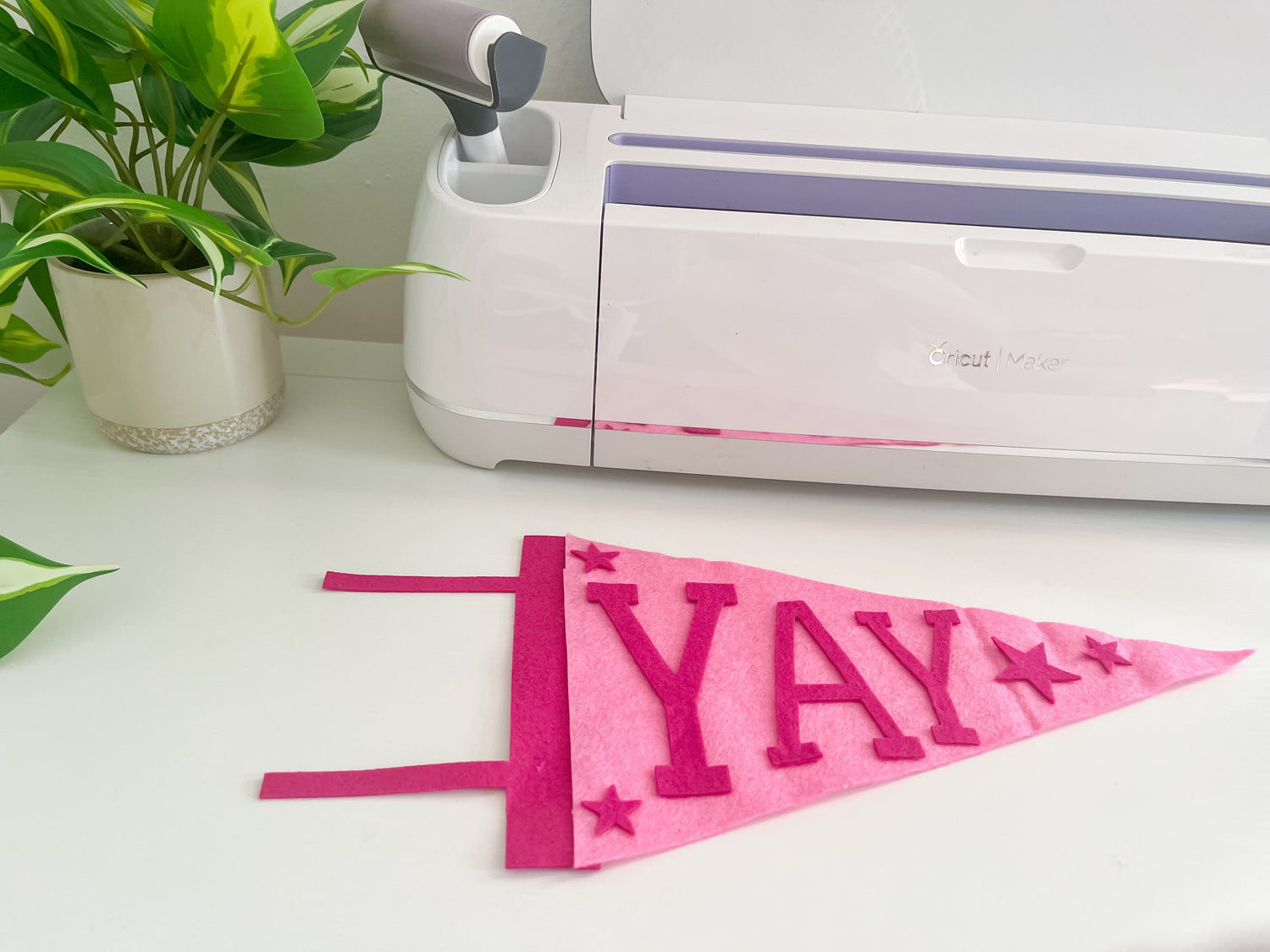
- Felt Pennant Practice Project

- Cactus Pincushion Practice Project

Bringing Graphics to Life

- Create stencils

- Convert personal sketches to files your Cricut can cut

- Source and download SVG files to upload to Design Space

- Learn to upload PNG & JPEG files to Design Space

Troubleshooting the easy way

- Learn how to care for cutting mats

- Troubleshoot common issues like jams, material slippage, inconsistent cuts, and double cutting

- Blade replacement tutorial

What students are saying:

Sign Me Up!

Want a Sneak Peek Preview?

Have we met yet?

Hi friend! I'm Alexis, owner of Felt Happy Sewing and course creator.

I’ve spent years mastering Cricut and teaching others how to actually use theirs with confidence.

What I noticed?

  • Most people buy a Cricut and let it sit in the box because it feels overwhelming.
  • Even crafty people struggle with felt and vinyl projects without the right steps.
  • Tutorials online leave you piecing things together instead of actually finishing projects.

So I tested, practiced, and built a system to make it simple and fun.

And that’s what I help other Cricut owners do too: feel confident, create projects they love, and finally get the most out of their machine.

Join the Course!

Frequently Asked Questions

Who is this course for?

✅ you are just pulling your cricut out of the box.
✅ you have a cricut and are struggling to understand how to use it or maybe it's collecting dust in your basement

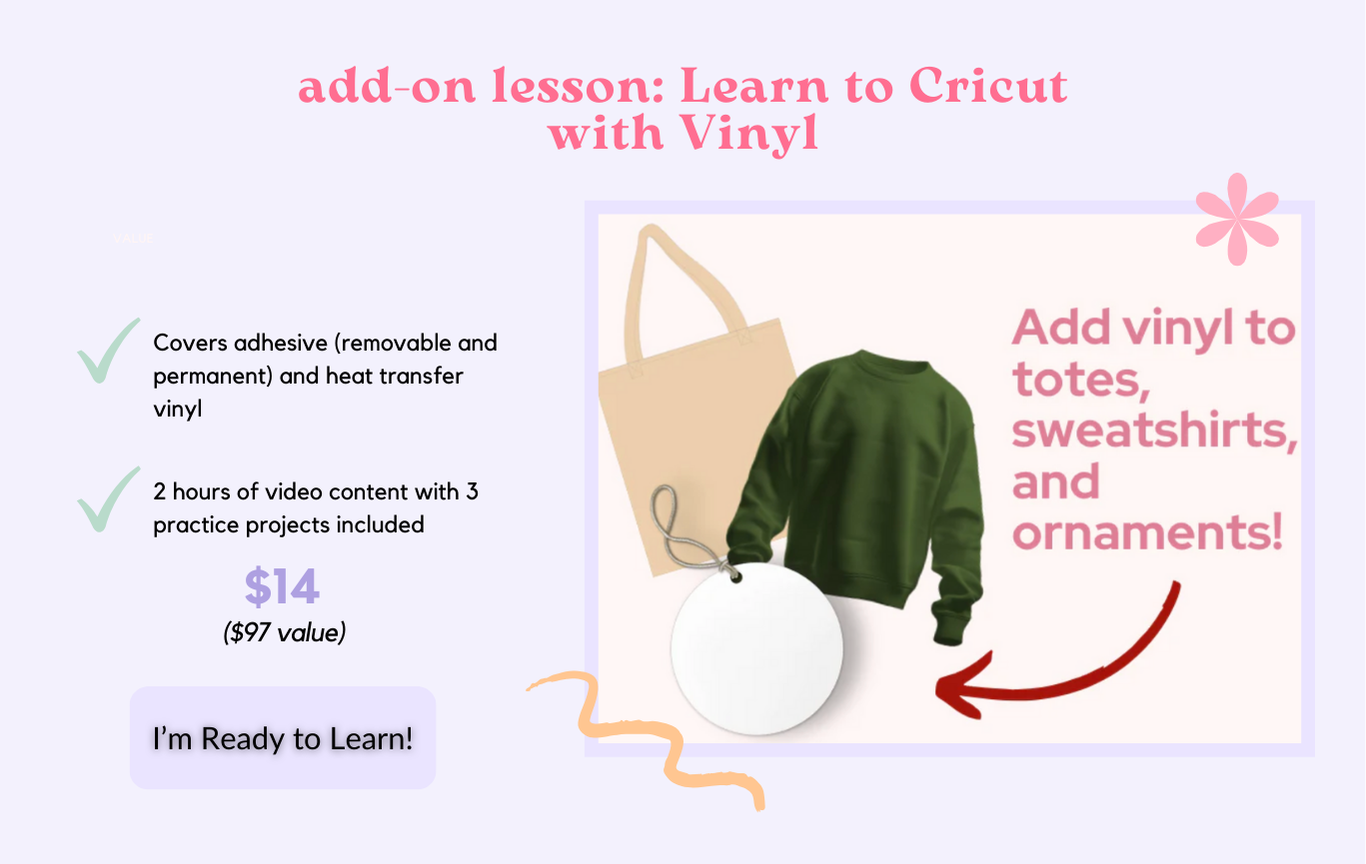
✅ you know how to use a Cricut, but want to learn how to use it with felt or vinyl specifically
✅ you want the fundamentals so you can use your Cricut with confidence

✅ you're a business owner wanting to speed up your cutting process or sell handmade goods

What Cricut should I have to take this course?

The course video content is recorded using a Maker.

You may enroll in the course if you have a Maker 3, Explore Air 2 or Explore 3. There is instructional content specifically for both Explore and Maker series.

This course is not for Cricut Joy Owners because the Joy series machines cannot cut felt.

What happens once I purchase the course?

Upon purchase you will be emailed login access to the course dashboard and a supply list.

How will I receive 1 -on- 1 support?

E-mail support with a 1-2 day turnaround is included in the course.

For direct 1:1 message, video, and audio support on Instagram (students' fav part), you can add this for an additional fee. This is done through Instagram DM.

How is this course different from others?

1. With the Craft & Chat option, you receive private IG support. This alone is worth the cost of the course.
AND nobody offers this...
❌ not YouTube
❌ not Google
❌ not other Cricut courses

2. Focus on felt, building the skills necessary to cut with other materials.

You aren’t learning Cricut. You’re learning how to use Cricut Design Space, the cloud based design platform that allows you to cut 100s of materials.

Once you have that down pat, you build the confidence to add a variety of materials and change out blades with ease.

If I take this course, will I be able to use my Cricut with materials other than felt?

More lessons expanding on different materials will continue to be added.

The main thing about being successful with Cricut is building your confidence with navigating the design platform. Once you become proficient with this and practice with the practice projects included, you will have the tools to Cricut with all sorts of materials!

A year from now your Cricut will either be your best friend or collecting dust. You decide.

I want to learn how to use my Cricut!
© FELT HAPPY SEWING 2025, All Rights Reserved. This site is NOT endorsed by Facebook in any way. FACEBOOK is a trademark of FACEBOOK, Inc.